





 |
|
|
|
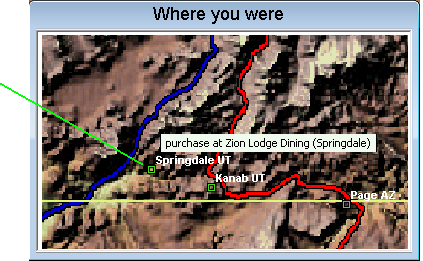
Purchases and cell phone calls with a specific location will automatically be shown on a map as color-coded squares. If you float the mouse over one of the squares a "tool tip" will pop up to show details about the event. By right-clicking on the map you can zoom in or out, or move the view. It is easy to add locations to the map for cases where a location hasn't been determined automatically, such as a camping location, or a city you passed through but didn't make a purchase or cell phone call.
|
|
 |
 |
 |
 |
9 |  |
 |
 |
 |
 |
|
 |