

Images, sounds, midi files, and other objects can be inserted directly into MusEdit scores!
Here's an example, along with instructions on how it is done:
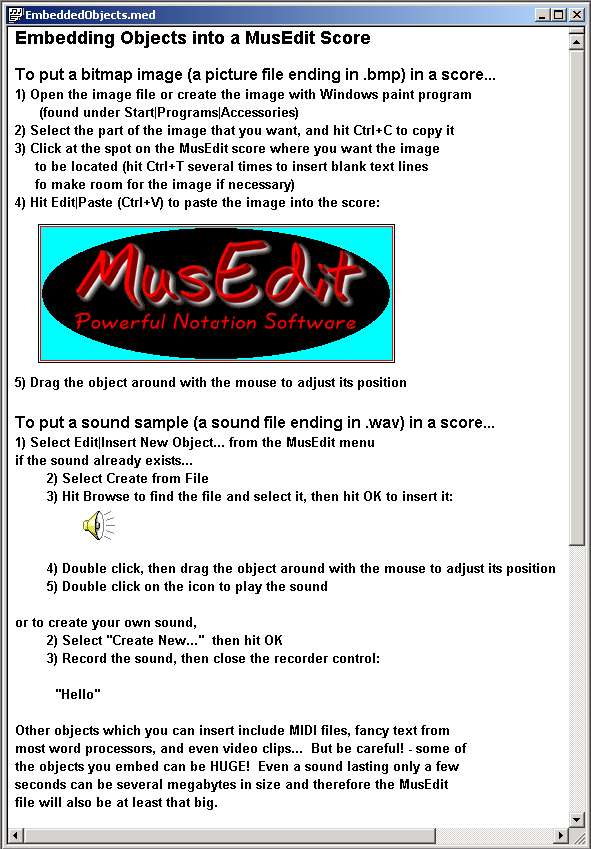
Here's an example of how this might be useful... Perhaps you would like to put a small publicity photo or a company logo at the top of each score you create:
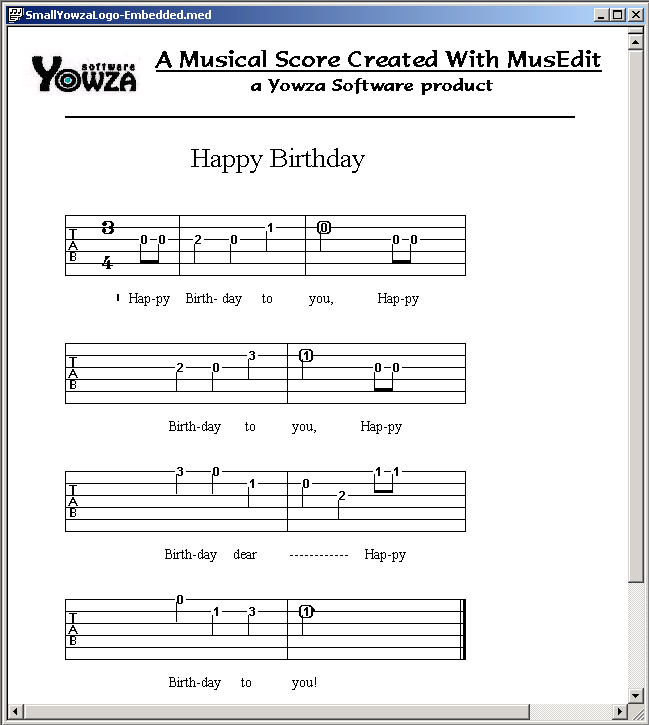

( YowzaLogo-Embedded.med )
... or perhaps you want to make a musical postcard for your sweetie:
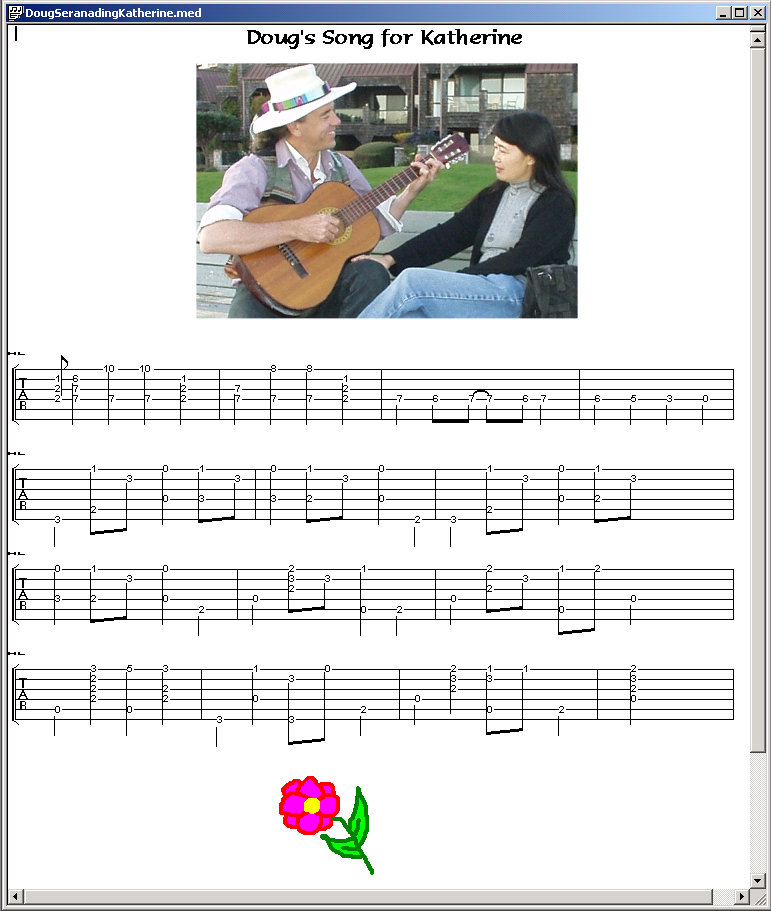
( DougSerenadingKatherine.med )
Here's the flower image from the score above for you to download and try inserting into a MusEdit score yourself:

 |
Right-click on the flower image, then choose "Save Image As..." from the menu |
|
Save it on your computer |
|
After it has downloaded, open the image with Windows Paint program |
|
In Paint, do Edit | Select All |
|
Run MusEdit, open a MusEdit score, click where you want to insert the image, then do Edit | Paste to insert the image into your score |
NOTE: The photographic image in the score above was originally a "jpeg" image, but the insertion technique only works with bitmaps (.bmp files), so you need to convert it to a bitmap file before doing the selection, copy, and paste.
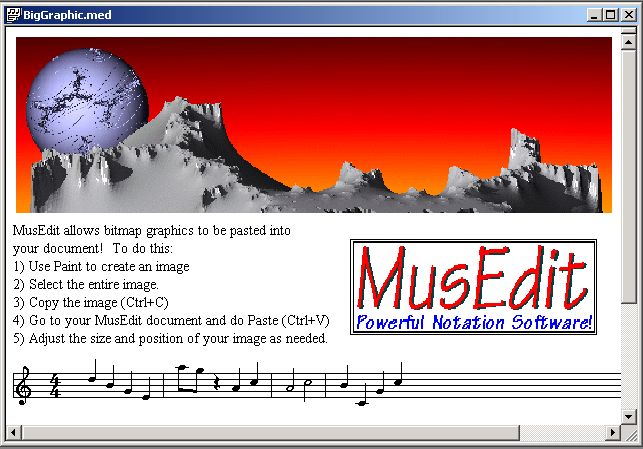
Here's another example, with two inserted images:
Here's an example with an embedded musical sample, along with an attempt to do a Tab transcription of the riff in the sample. MusEdit helps you do this transcription because you can double-click on the sound to hear it, and then do Midi playback of your score to hear how close your transcription is to the real thing :
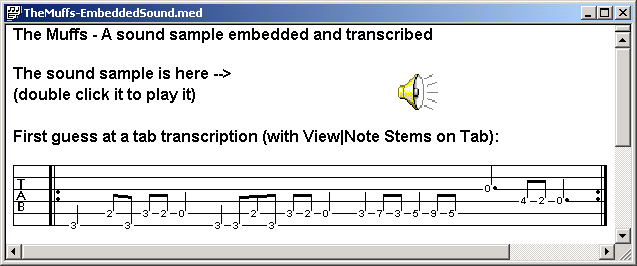
( TheMuffs-EmbeddedSound.med )